I created a live visual coding sketchbook where students can edit GLSL code that render an image and collaborate on visual sketches in the browser.
I built for my class Shaders Demystified: Graphics code as material for visual artists at the School for Poetic Computation, Fall 2026.
It started as a tool for my shader experiments and grew into a classroom app with student galleries, multiplayer editing and a full creative coding toolset.
Features:
- Live GLSL editing and WebGL2 preview
- A control panel for values generated from code
- Class sharing, edit permissions and revocable public links
- Multiplayer code editing
- Account, class and category administration
- Cloud saves
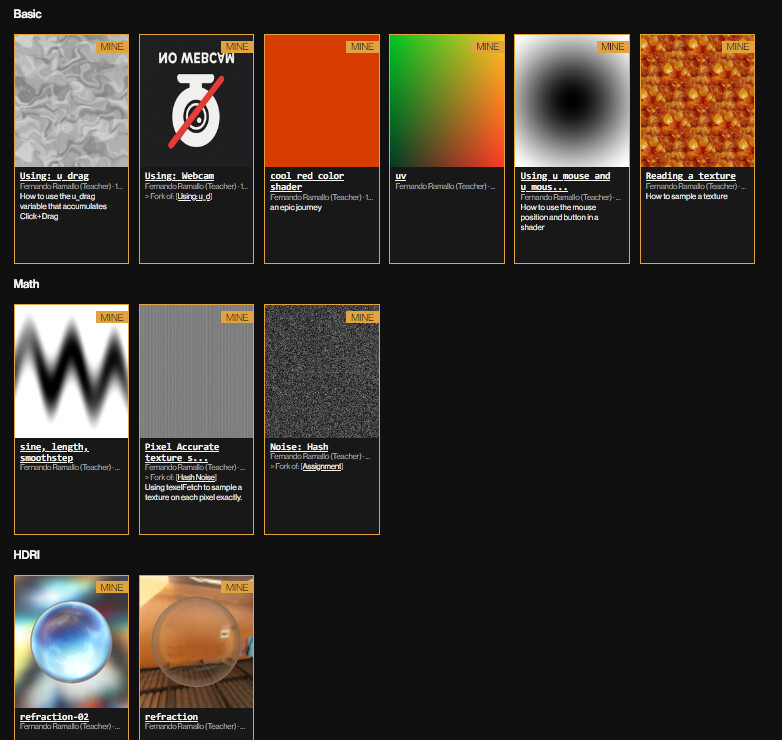
- Categorized teaching examples and student galleries
- Create avariation of an artwork with source credits and ancestry
- Hosted library of textures or live webcam feed
- Image, GIF and video capture
- Adjustable resolution, aspect ratios and full screen display
Roles:
Teaching
Creative Tool Development
Graphics Programming
Tools:
GLSL / WebGL2
TypeScript / Vite
Monaco Editor
Yjs / WebSockets
Cloudflare Pages
D1 / Durable Objects / R2
Live shader editing
Students can edit GLSL code on a browser editor on one side and see the immediate resulting image on the other, with live parameters generated automatically.
The editor uses Monaco and a custom WebGL2 renderer, resolving GLSL via an automatic compiler with errors shown clearly on top of the image and highlighted on the code.
Sketch library
The sketches are collected in a library. Teachers can categorize examples for students to learn from and students can choose to show their work to the class library.
Multiplayer shader editing
Special collaborative rooms let students edit a shader together and see everyone’s changes in real time. They can pair with another student to learn together, specially when working online.
A learning platform
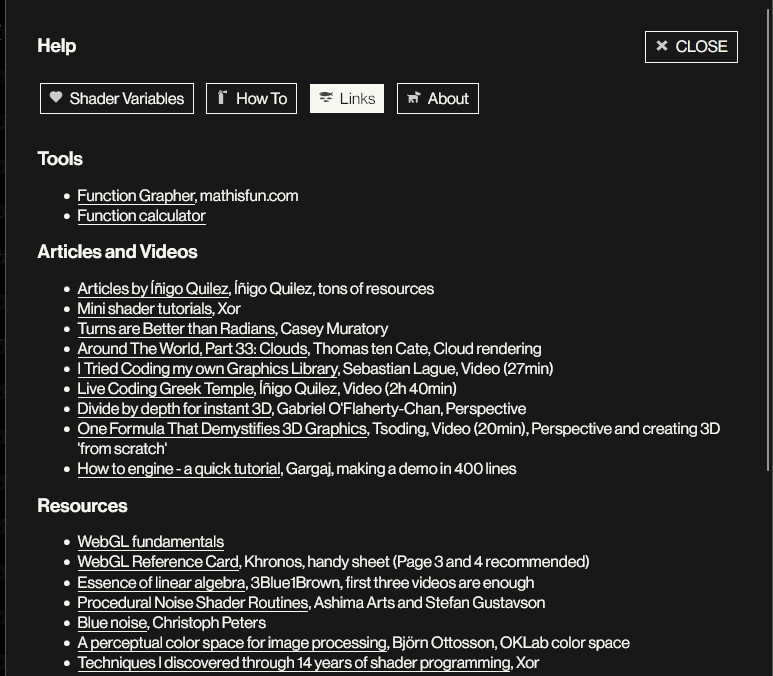
The platform also includes classroom material and articles so students have access to resources in a single place.
Creating the page was possible with LLMs for creating the scaffolding, with targeted prompts based on my experience building tools and creative software.